Steps
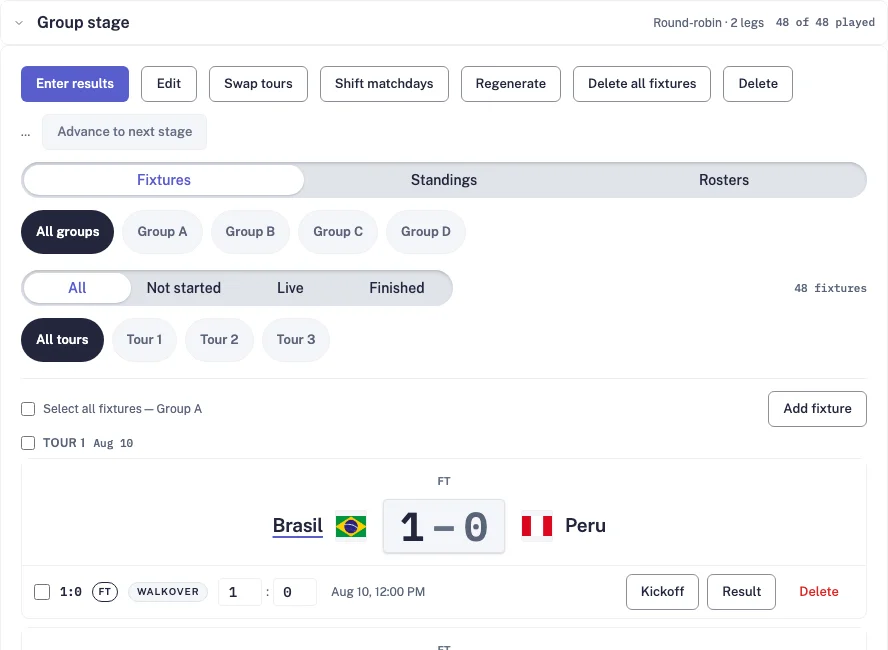
- In the competition’s Schedule tab, open the completed group stage and check the final result for every game. A draft score already counts in the table and bracket; check that it is correct and approve it in Match Center if it is final.
- Check the saved qualification zones and the empty Playoffs stage after the group. To add one, choose New stage and tick Create an empty playoff target; it generates no teams or fixtures.
- Press Preview qualification. Review the bracket and seed list. Nothing is saved yet. In this example, the top two enter the semifinals and places three to six enter the quarterfinals. Read any draft-result warning before continuing.
- Click a team or its seed to change a pairing. Choose another seeded team to swap seeds, or replace it with an eligible team from the source stage. Winner slots fill from results. Review the updated bracket, or use Reset to table order to undo seed changes.
- Press Create bracket, then open Playoffs. After creation, swaps are limited to existing teams in seeded places whose games have not started and have no saved scores or lineups.
- Kickoff dates and times are unconfirmed. Open each game and set its real kickoff before sharing the schedule.
- After each round, enter every score, mark the games Finished and press Advance round. Winners fill the existing next-round slots until the final decides the champion.
A draft-result warning does not block bracket creation: the table counts those scores, and the bracket does too. Approve final results in Match Center when appropriate. A stage without qualification zones shows Advance to next stage instead of Preview qualification; review its qualifying teams and next-stage options before confirming. If status could not load, use Retry stage status. The video uses fictional records in an isolated recording environment.
More League console guides
How do I create a league or a tournament in another sport?
Create the league first, then add its competition and teams.How do I generate a schedule and change game dates?
Preview the draw, generate fixtures, then check dates and venues.How do I open registration and collect entry fees?
Set access, choose the fee and share the participant registration link.How do I connect Stripe and check payouts?
Use Stripe-hosted Express setup, then check payment and bank payout readiness.How do I add teams and players by hand?
Create teams and players, build each roster and enter teams into a competition.How do I import teams and players from a spreadsheet?
Bring a whole roster in at once from a CSV file or pasted rows.How do I enter results, match events and box scores?
Match Center holds the score, events, lineups and sport-specific stats for every game.How do I change where a game is played?
Pick a saved venue for league games, or a map-checked address for club games.How do I add a playoff or knockout bracket?
Add a knockout stage after the league stage and view it as a bracket.How do I invite co-organizers and scorekeepers?
Share the work: admins run the competition, scorekeepers only enter results.Clubs: how do I run season registration and staff access from the console?
Create a registration program for parents and players, and give coaches access.How do I schedule games only on weekends?
Set the allowed matchdays and kick-off time, then inspect the generated fixtures.How do I create groups and place teams in them?
Set the group count, arrange the draw and check every team's assignment before generating.How do I add goal scorers, assists and yellow or red cards?
Nine lessons cover player search, goals, assists, cards, own goals, penalties, shootouts, substitutions, injuries, awards, corrections and sport clocks.How do I generate a flyer for a draw, matchday or game?
Choose the competition data, format and theme, then download the finished image.How do I add match videos, photos, posters and media links?
Attach media to the right fixture and check its visibility on the public match page.Enter a goal and its assist in EasyChamp
Current event controls, player attribution, sport clocks and verification.Enter yellow, red and second-yellow cards in EasyChamp
Current event controls, player attribution, sport clocks and verification.Enter an own goal correctly in EasyChamp
Current event controls, player attribution, sport clocks and verification.Enter a penalty goal or a missed penalty in EasyChamp
Current event controls, player attribution, sport clocks and verification.Record penalty-shootout kicks in EasyChamp
Current event controls, player attribution, sport clocks and verification.Record who went out and who came in in EasyChamp
Current event controls, player attribution, sport clocks and verification.Record an injury and player of the match in EasyChamp
Current event controls, player attribution, sport clocks and verification.Fix an event and check the published statistics in EasyChamp
Current event controls, player attribution, sport clocks and verification.Use the right clock for each sport in EasyChamp
Cumulative elapsed time, added time, stopped clocks, virtual clocks and unknown time.How do I schedule eight teams in two groups?
Generate twelve group games and prepare a four-team playoff.How do I schedule three groups and playoffs?
Use twelve teams, eighteen group games and an explicit third-place policy.How do I build a 48-team cup in the USA?
Twelve groups, seventy-two group games and a thirty-two-team playoff draft.How do I create a double-elimination bracket?
Follow the winners and losers paths, then review the grand-final rule.How do I find and reschedule a postponed match?
Keep the existing fixture, confirm its kickoff and update its match status.How do I assign or change a match referee?
Select each official for the correct role, save the crew and reopen it to check.How do I show jersey colors in the match preview?
Set the home and away shirt colors for one fixture and verify the public page.