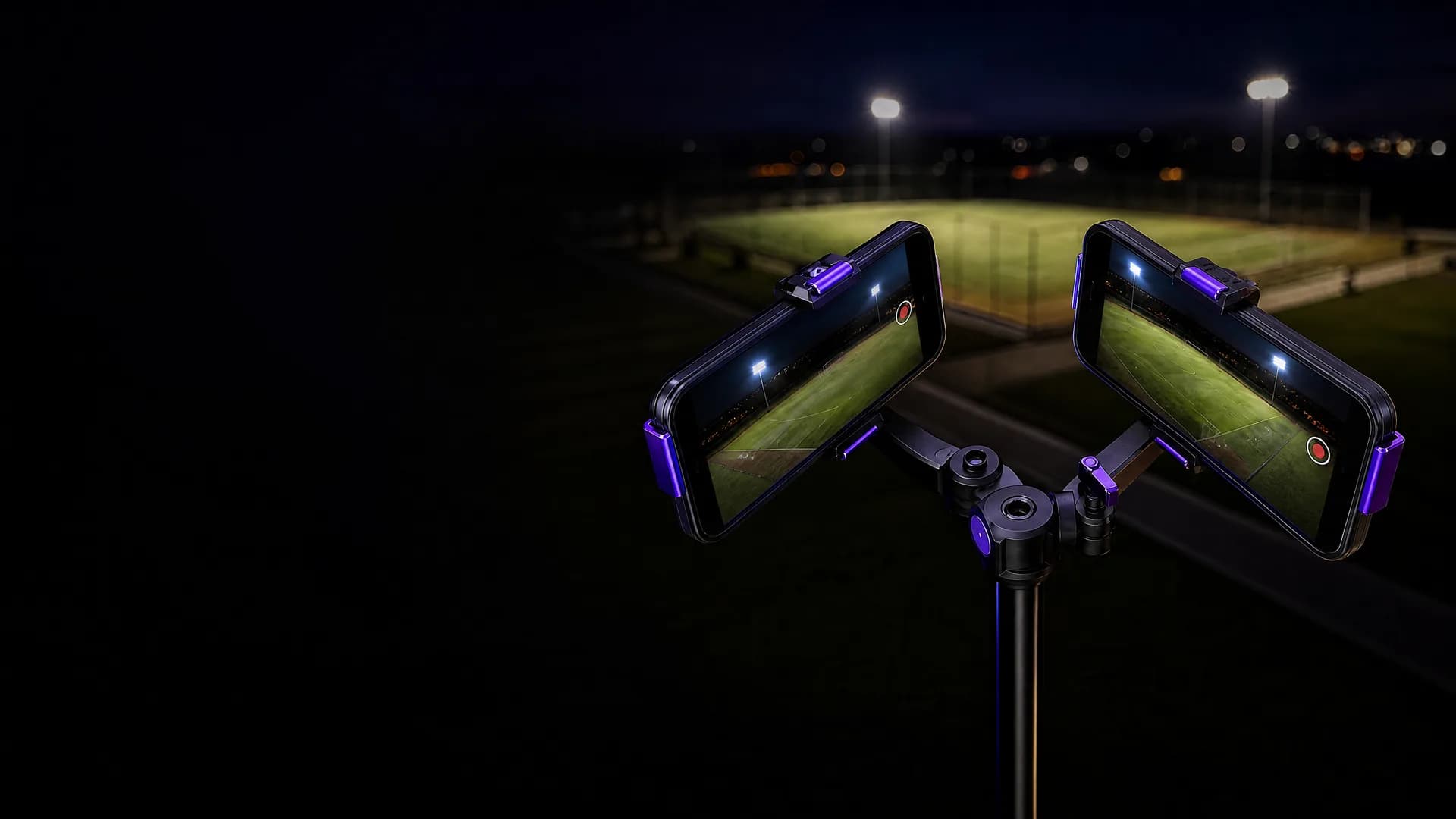
Dual-iPhone rig on a pole overlooking an amateur football pitch at golden hour

MatchCam · new product

The cameraman is software now.

Two iPhones on a pole see the whole pitch. MatchCam stitches them into one panorama, follows the ball like a broadcast operator, cuts the highlights and counts the match — while everyone actually watches the game.

App Store — in reviewSee how it works

Phones you own + ~$260 of mounts vs. $1,299 + $799/yr for the leading AI camera.

Nobody has to stand behind a camera.

The rig is static — that's the trick. Both phones record fixed ultra-wide views; the “panning” you see afterwards is a virtual camera gliding across the stitched panorama, driven by the ball. Grandparents film sideways video; clubs pay for a camera operator or a subscription camera. This is the third option: hardware you already own, software that does the operator's job.

  • · Whole pitch in frame for the full 90 — nothing off-screen, ever
  • · Follow-cam AND the tactical wide view from one recording
  • · Processing runs on your Mac — footage stays yours
84–90° between phones · lenses 5–8 cm apart~20° shared overlap — the stitch lives here104°104°

Matchday · six steps

From kickoff to highlights

Step 01

Mount

Two iPhones, landscape, in a $35 dual mount — or rubber-banded on a cardboard-box corner. Each turned ~42° outward.

Step 02

Aim & level

Halfway line, 3–5 m back, as high as your pole goes. The app shows a level bubble and flags the wrong lens.

Step 03

Lock & clap

One tap locks focus and exposure on both phones. Clap once — the two recordings sync themselves from sound, to the millisecond.

Step 04

Record

Press record on both and walk away. Nobody pans, nobody zooms, nobody misses their kid's goal because they were filming.

Step 05

AirDrop

After the final whistle, AirDrop both files to a Mac. Processing runs locally — footage never has to leave your machines.

Step 06

Watch

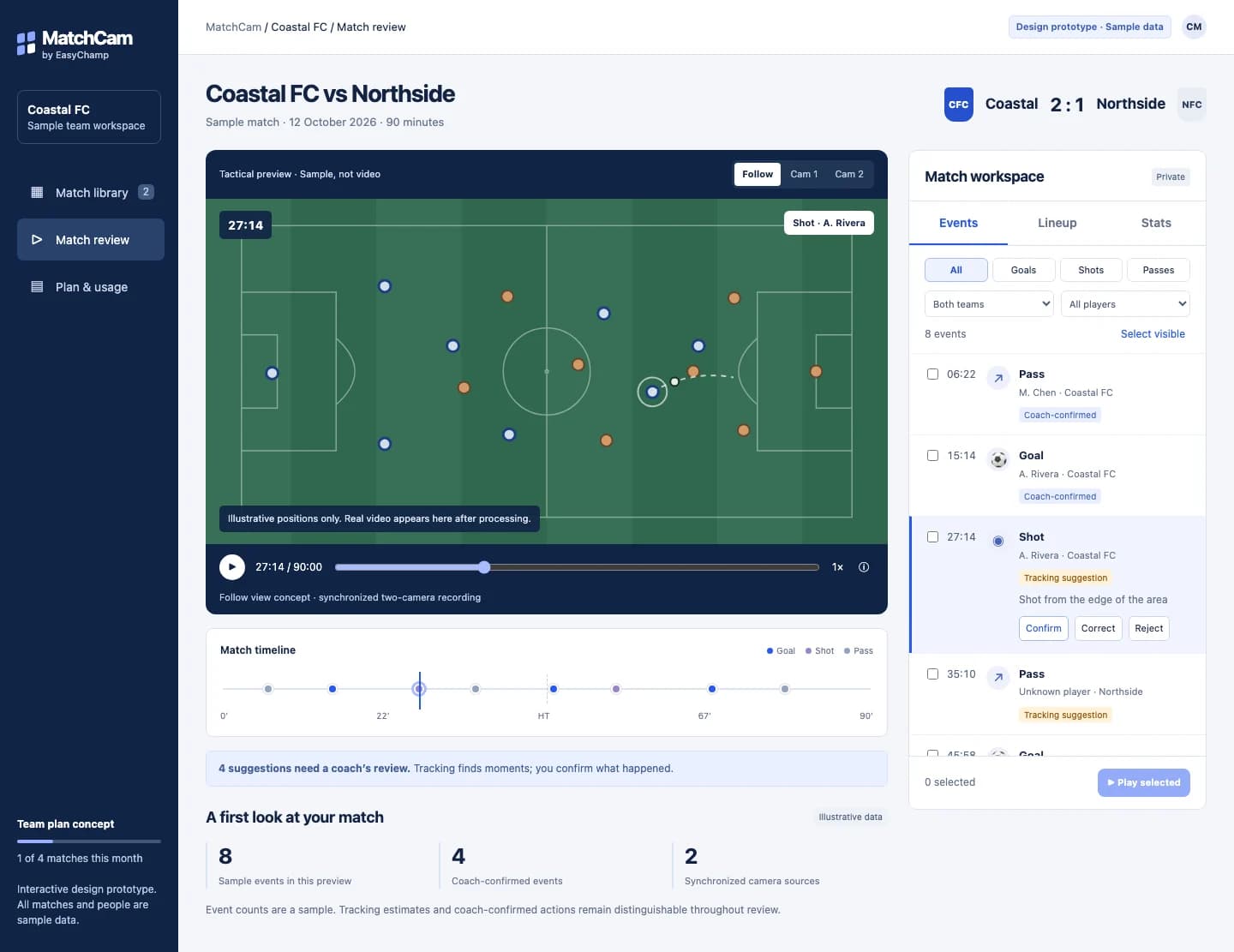
Out comes a stitched panorama, a broadcast-style follow-cam, a highlight reel and the match's event timeline.

Analytics · measured, not promised

What it counts — and what it doesn't, yet

Every number below comes from our published benchmark runs on real amateur footage. Team-level stats are solid today; naming individual players without jersey numbers is research, and we say so.

In the box today

  • Auto follow-cam — a virtual camera pans the stitched panorama like a human operator (critically damped, no jitter)
  • Millisecond audio sync between the two phones (measured: a 1.400 s offset recovered exactly)
  • Ball tracking — 96% of frames on our 1080p benchmark match
  • Team possession split, pass and turnover counts, dribble runs
  • Event timeline + auto-cut highlight reel (benchmark: 3 minutes of play → 4 clips, 48 s)

Next — after one-time pitch calibration

  • Shots and goals against real goal boxes (six taps on a freeze-frame, once per venue)
  • Pitch zones in metres: build-up areas, final-third entries
  • Pressing intensity (PPDA) and distance covered per team

Research — we publish the numbers, not promises

  • Player identity without jersey numbers: today the tracker holds a player ~7 s (median) before a crowd steals the thread; appearance re-ID stitching is the upgrade path
  • Jersey-number reading where numbers exist: 25–50% of track segments at 1080p — improves sharply at 4K
  • Substitution detection from bench-zone entries and exits
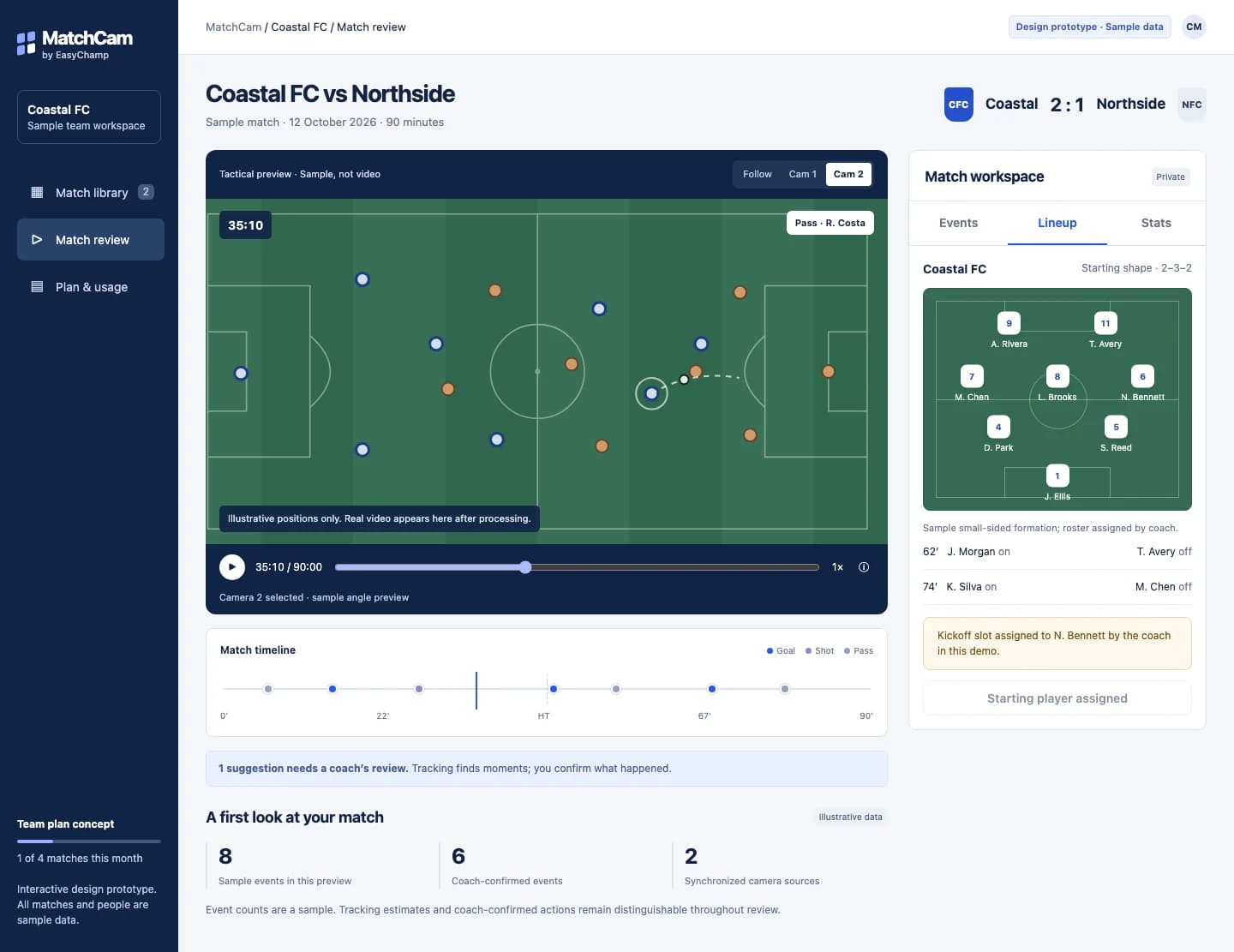
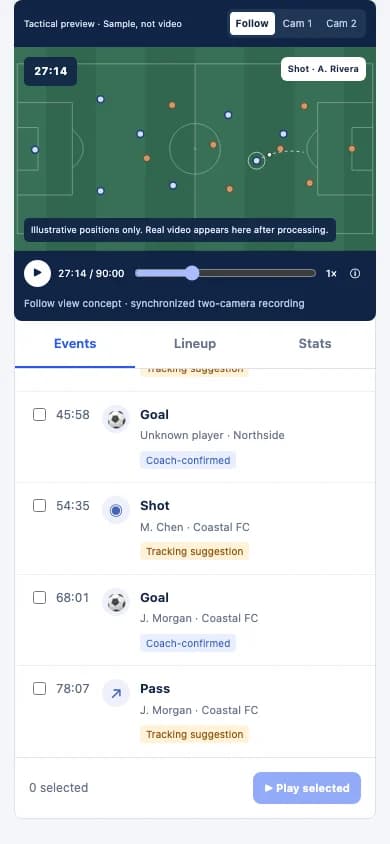
A grassroots coach reviews the match analytics dashboard on the touchline

The whole rig fits in a backpack.

  • · Two iPhones 11 or newer (the ultra-wide lens is the whole trick)
  • · Dual phone mount ≈ $35 · 4 m light stand ≈ $135 · power banks ≈ $90
  • · MatchCam app enforces the settings pros get wrong: locked exposure, 4K30, no stabilization crop
  • · League already on EasyChamp? Match stats land next to your standings.
App Store — in reviewRun a league too?
Film your match with two iPhones — EasyChamp MatchCam