Snap to League · free

Photo of the board. Live league in seconds.

Photograph the tournament whiteboard, a paper scoresheet or a bracket, or take a screenshot from another bracket app. Snap to League reads the teams and scores, you check them, and it publishes a live league on EasyChamp: group tables, brackets, scorers and real fixtures.
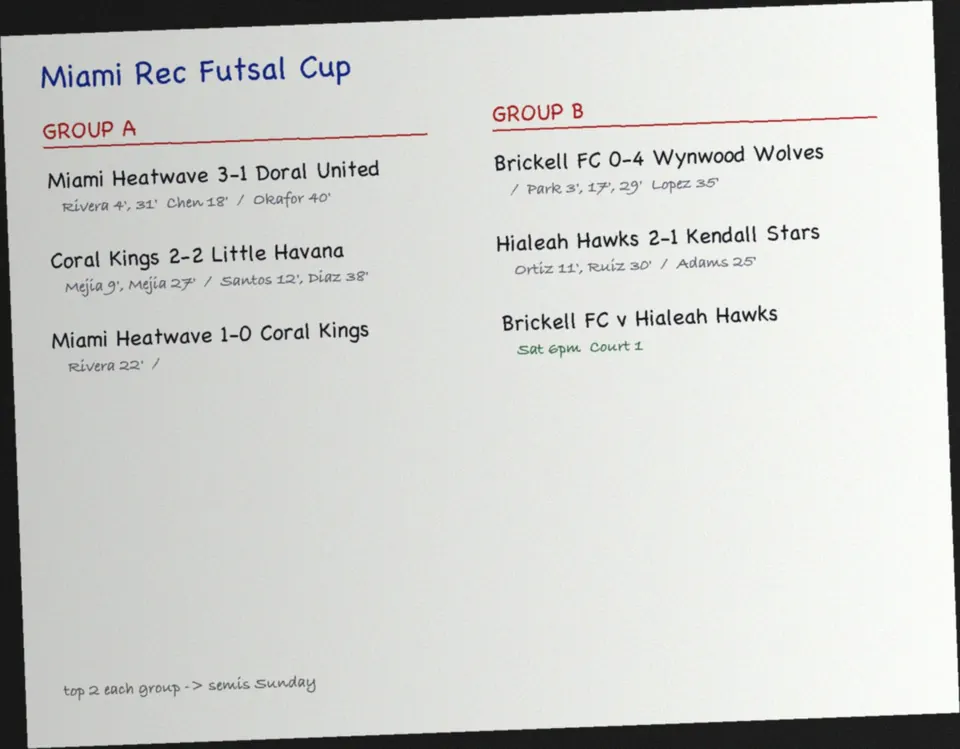
Phone photo of a futsal tournament whiteboard with group results and scorersYour photo
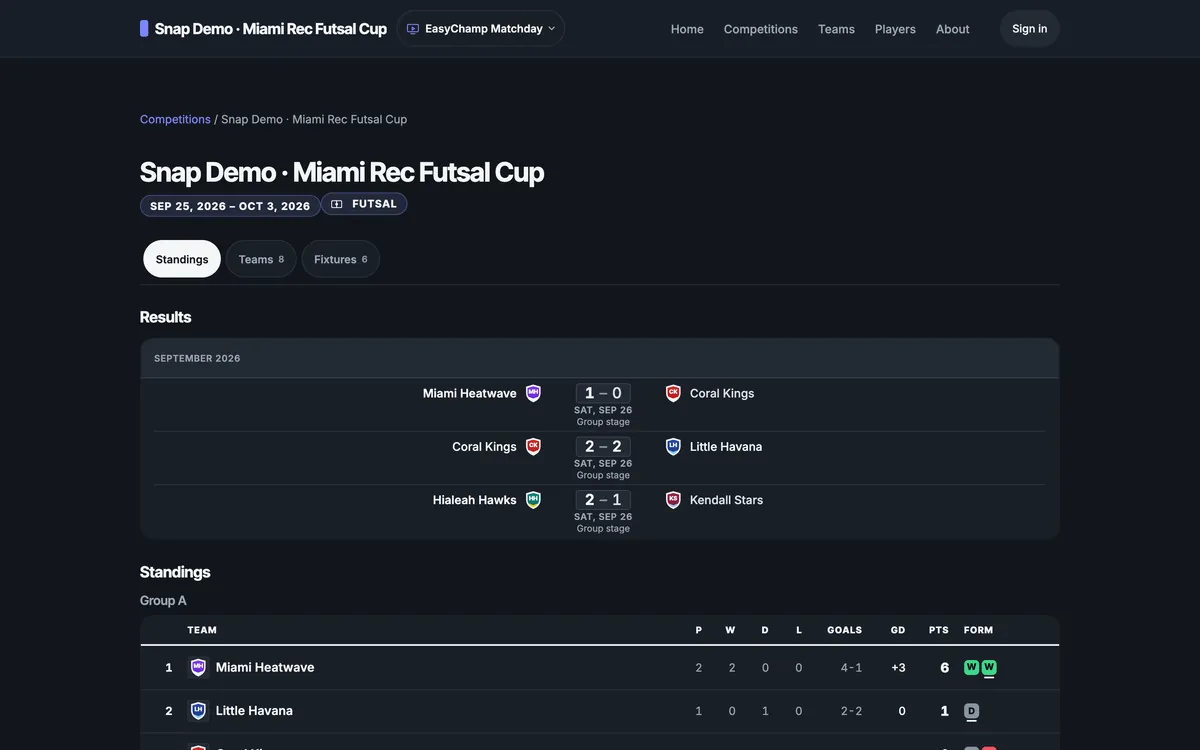
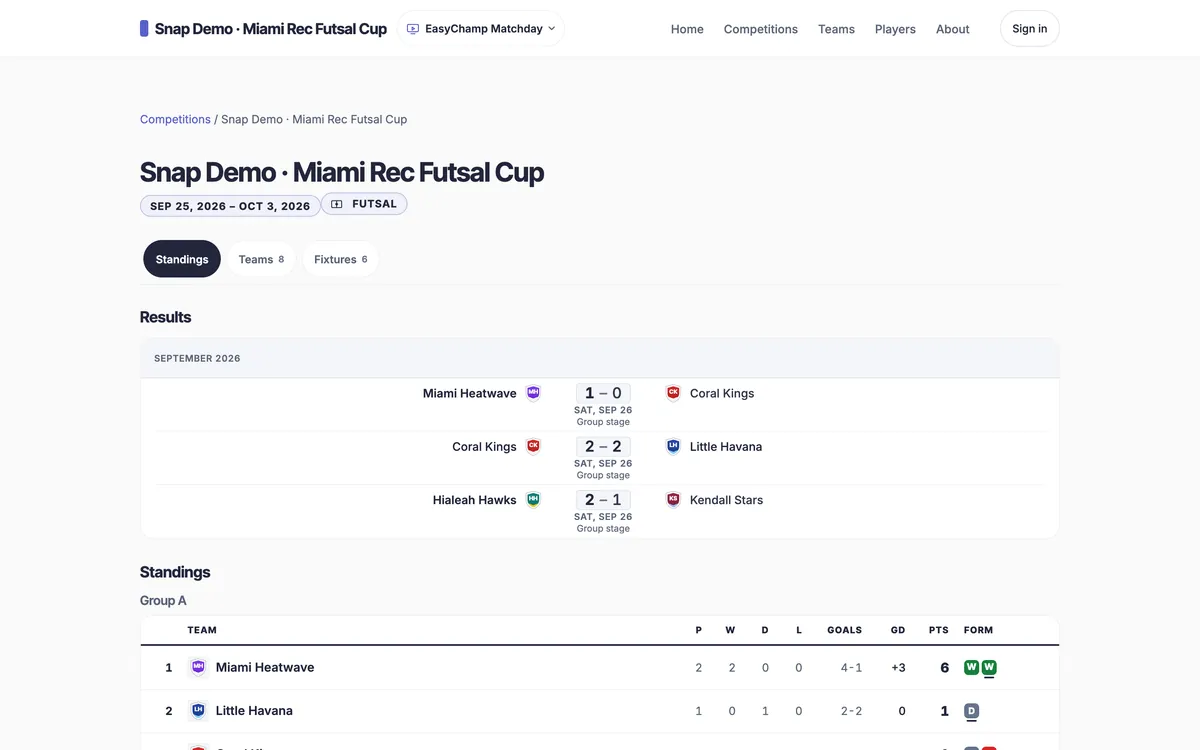
The same results published as an EasyChamp league site with group standingsThe same results published as an EasyChamp league site with group standingsThe same results published as an EasyChamp league site with group standings
Live league
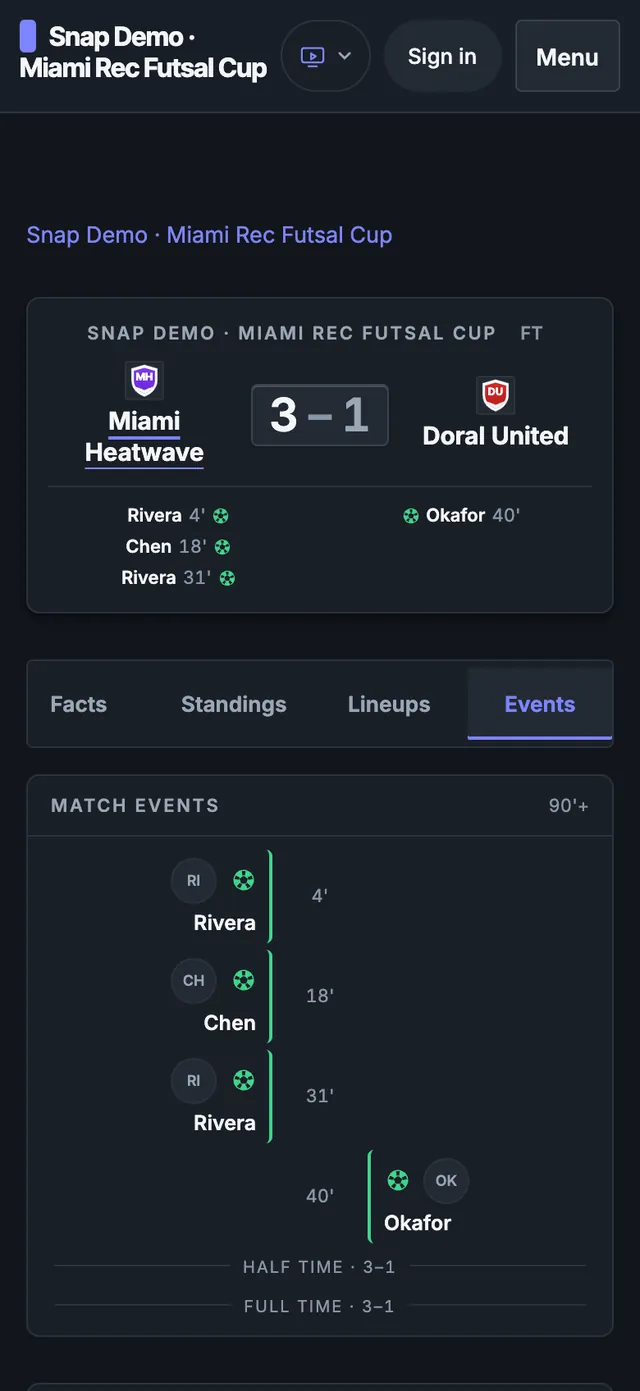
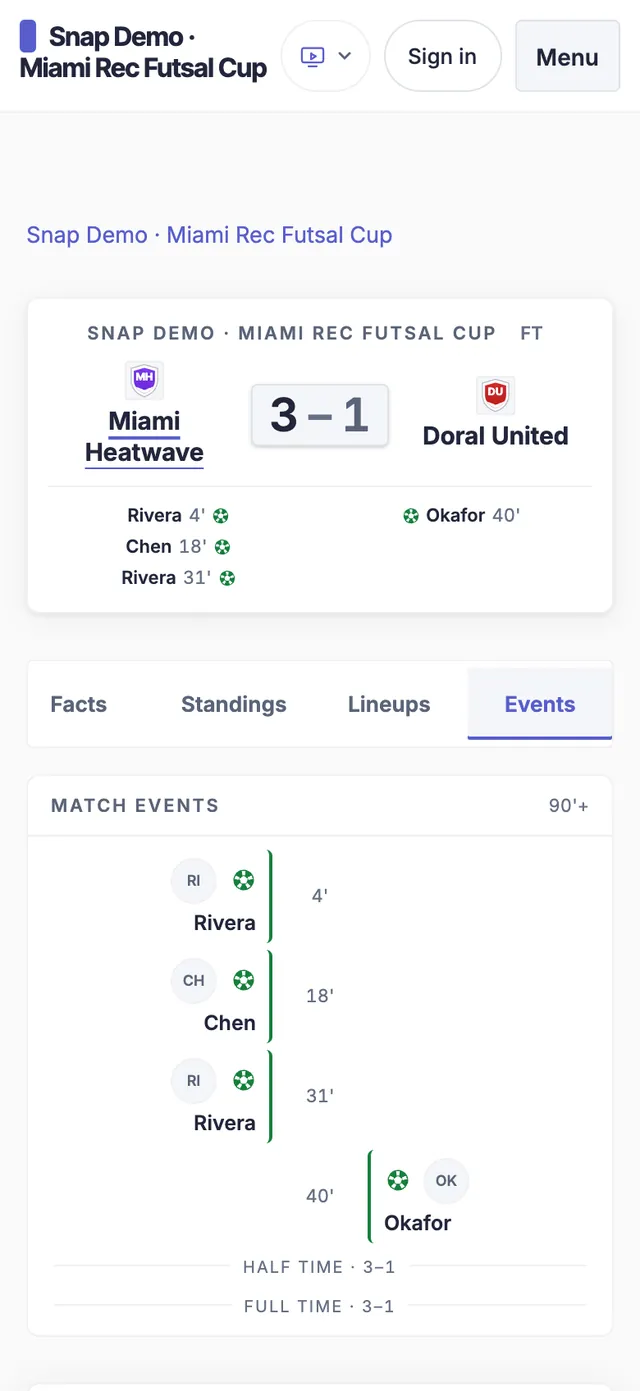
EasyChamp match page on a phone with each goal and its minuteEasyChamp match page on a phone with each goal and its minuteEasyChamp match page on a phone with each goal and its minute
Every goal
Real screens: a sample futsal board read by Snap to League and published on EasyChamp.

How it works

From a photo of the board to a live league

  1. Step 1 · Snap

    Snap the board

    Open Snap to League on your phone and tap Snap the board. It takes a whiteboard, a paper scoresheet, a bracket or a screenshot from another bracket app. No account needed to try it.
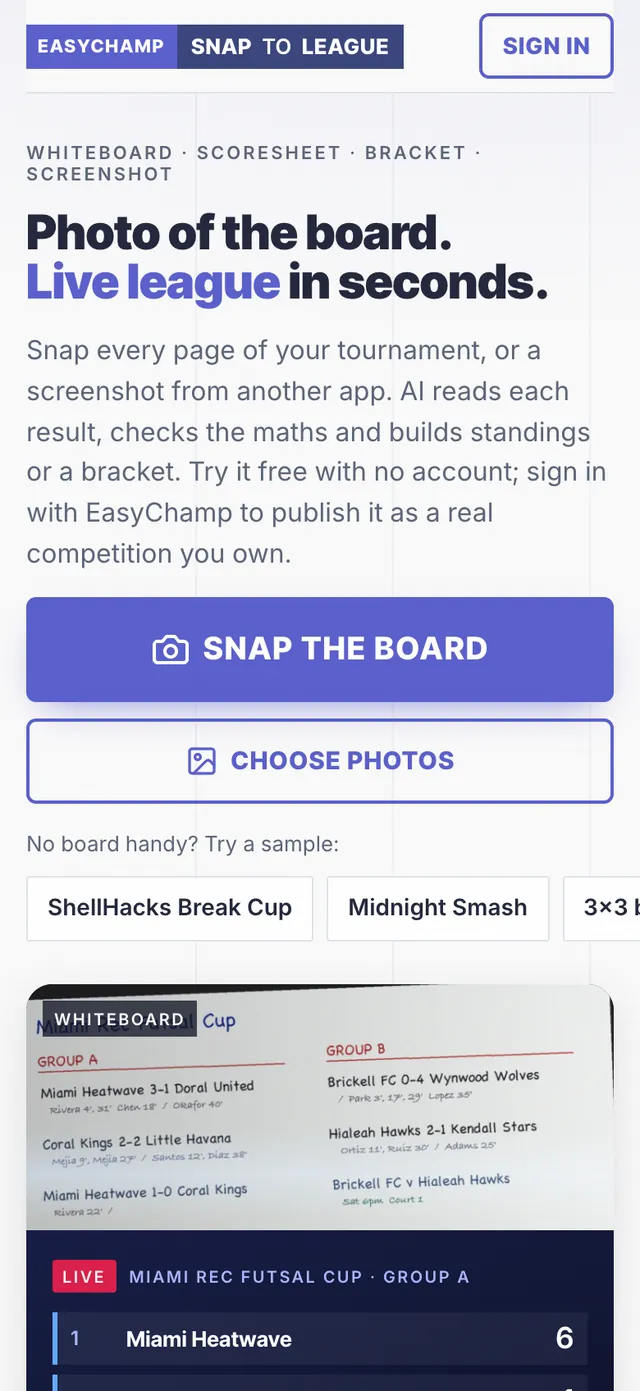
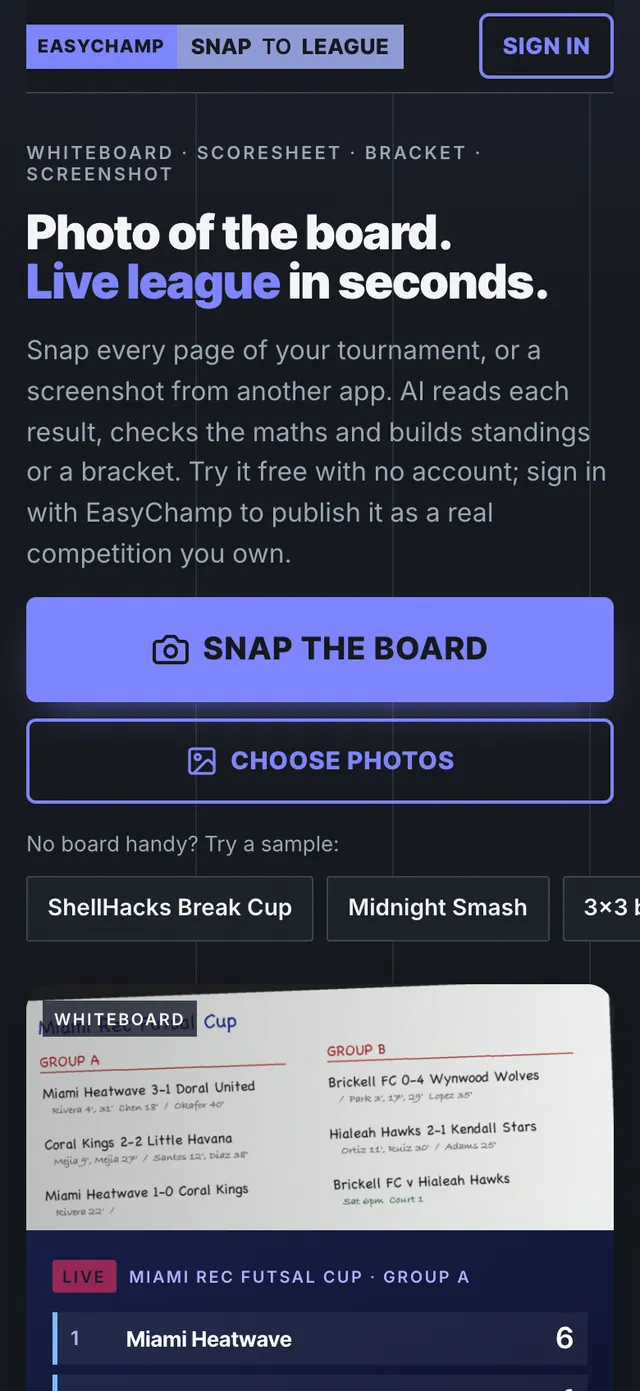
    Snap to League on a phone: the Snap the board button, Choose photos and the sample boardsSnap to League on a phone: the Snap the board button, Choose photos and the sample boardsSnap to League on a phone: the Snap the board button, Choose photos and the sample boards
  2. Step 2 · Add every page

    Several photos in one go

    Add every page of the day: the board after each round, each scoresheet, the bracket at the end. Snap reads them together as one competition.
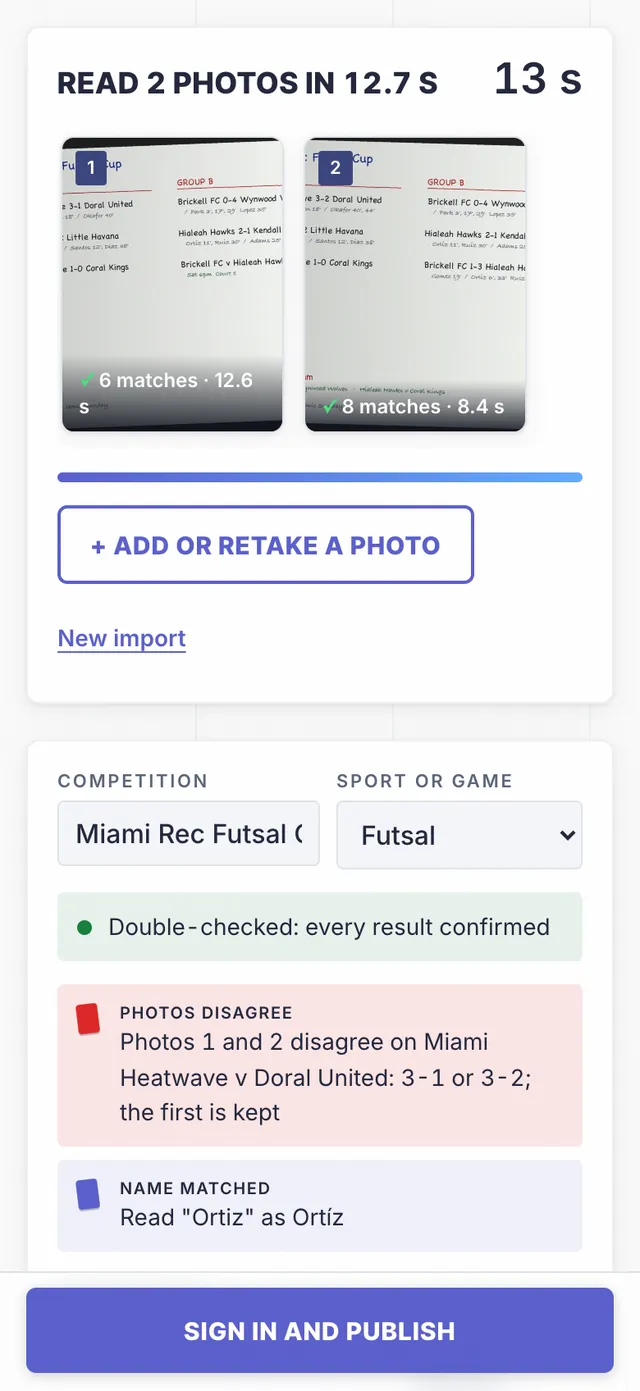
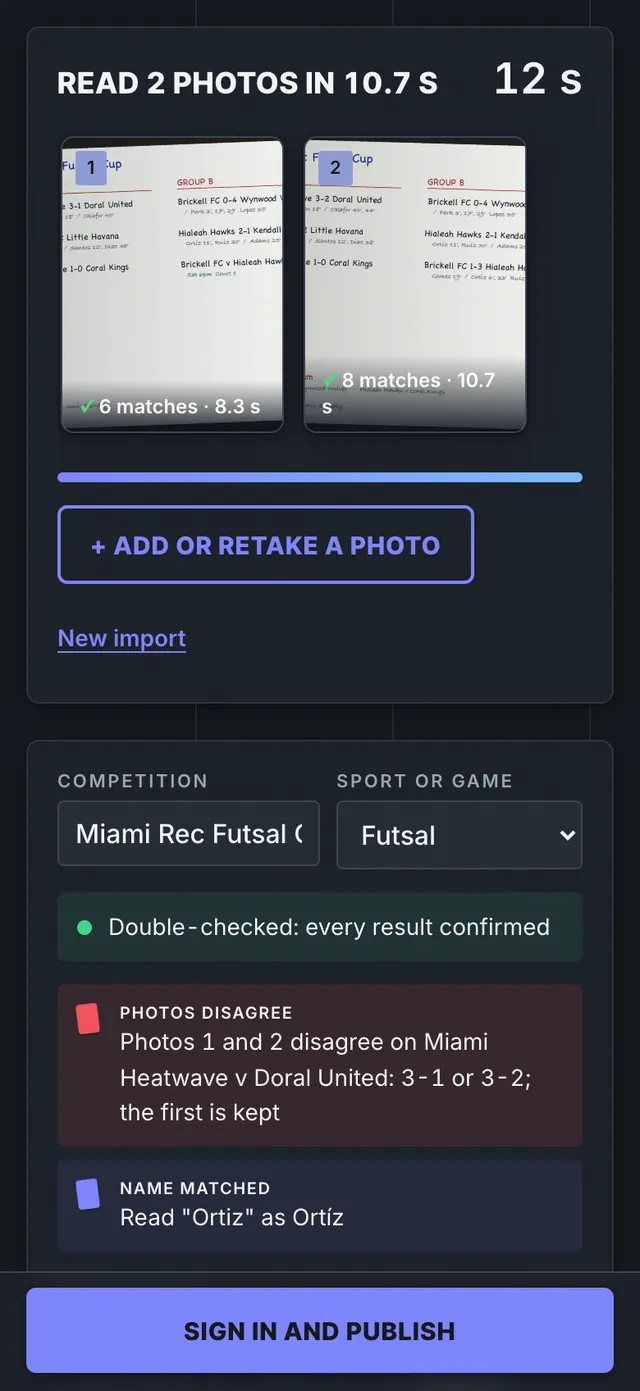
    Two photos of the same futsal board read together: 6 and 8 matches found, every result double-checkedTwo photos of the same futsal board read together: 6 and 8 matches found, every result double-checkedTwo photos of the same futsal board read together: 6 and 8 matches found, every result double-checked
  3. Step 3 · Check

    Check what it read

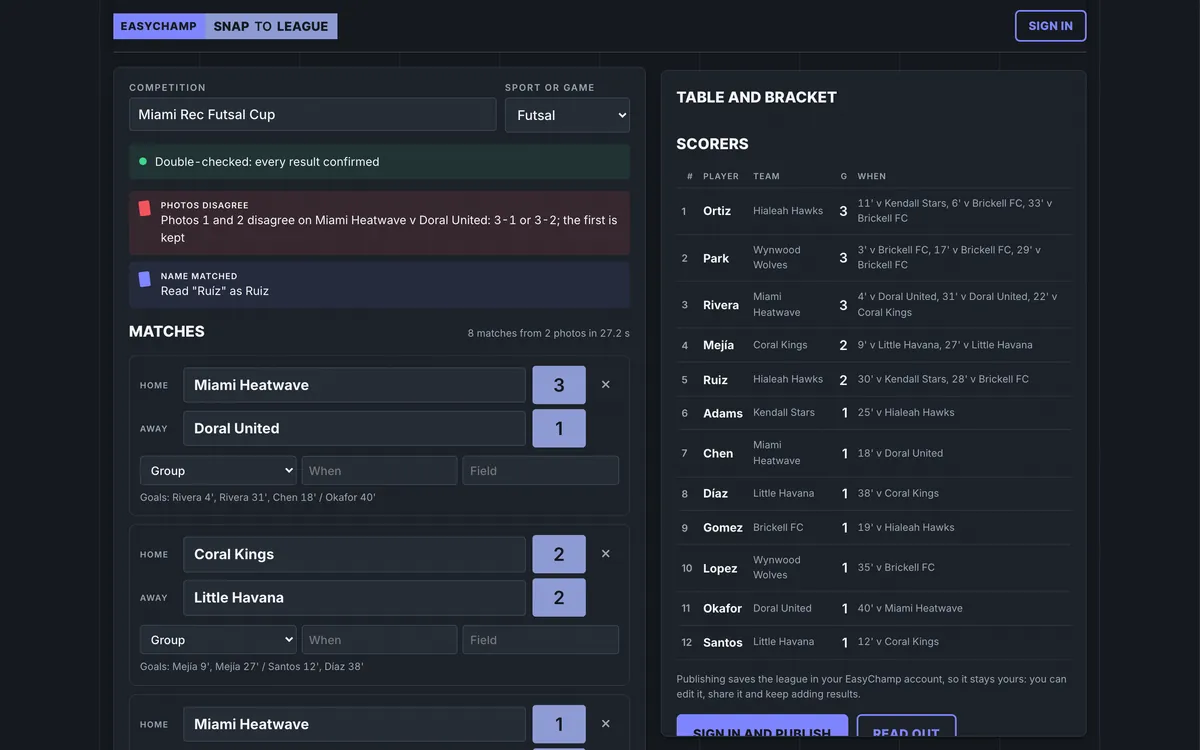
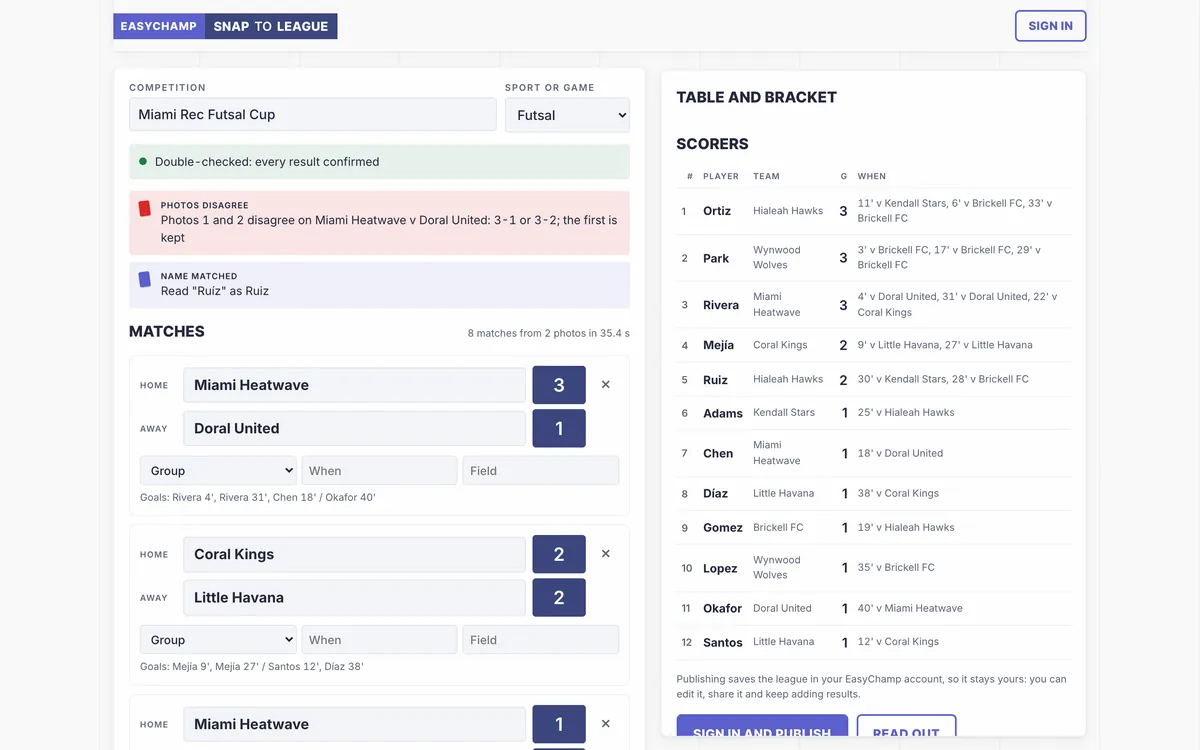
    Every match, score and scorer with the minute appears next to the table. When two photos disagree, a red card says which score was kept, and you can fix any result before anything goes live.
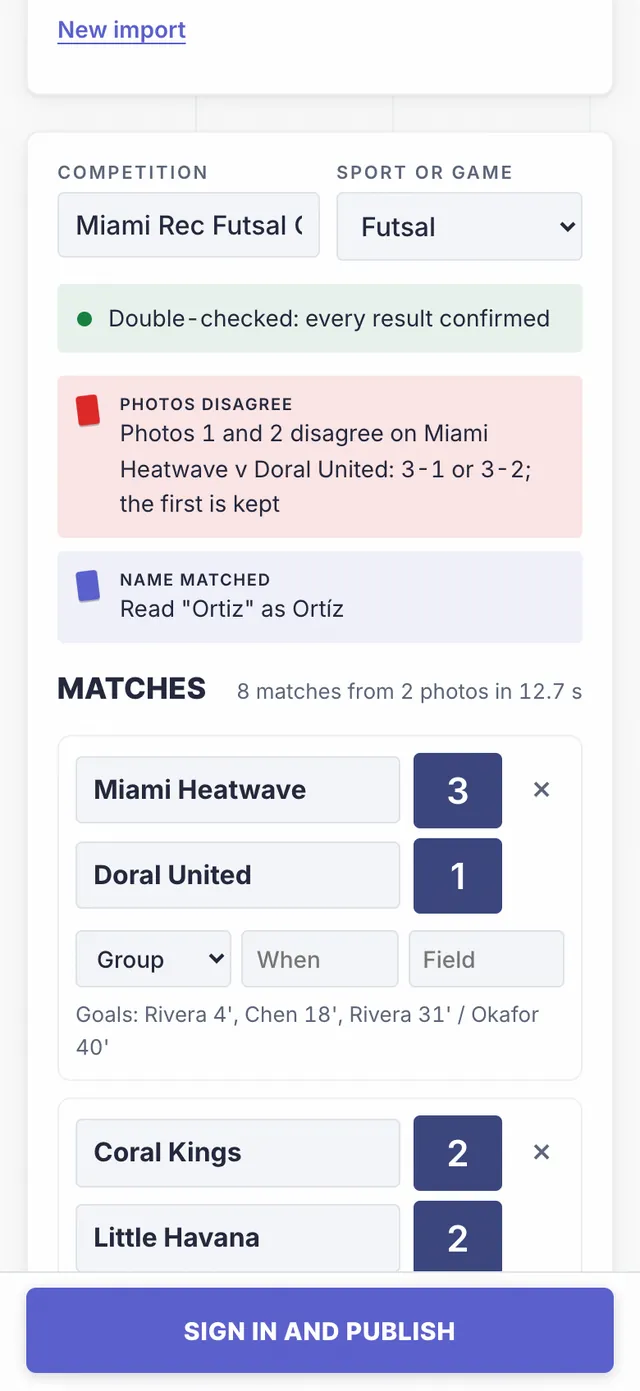
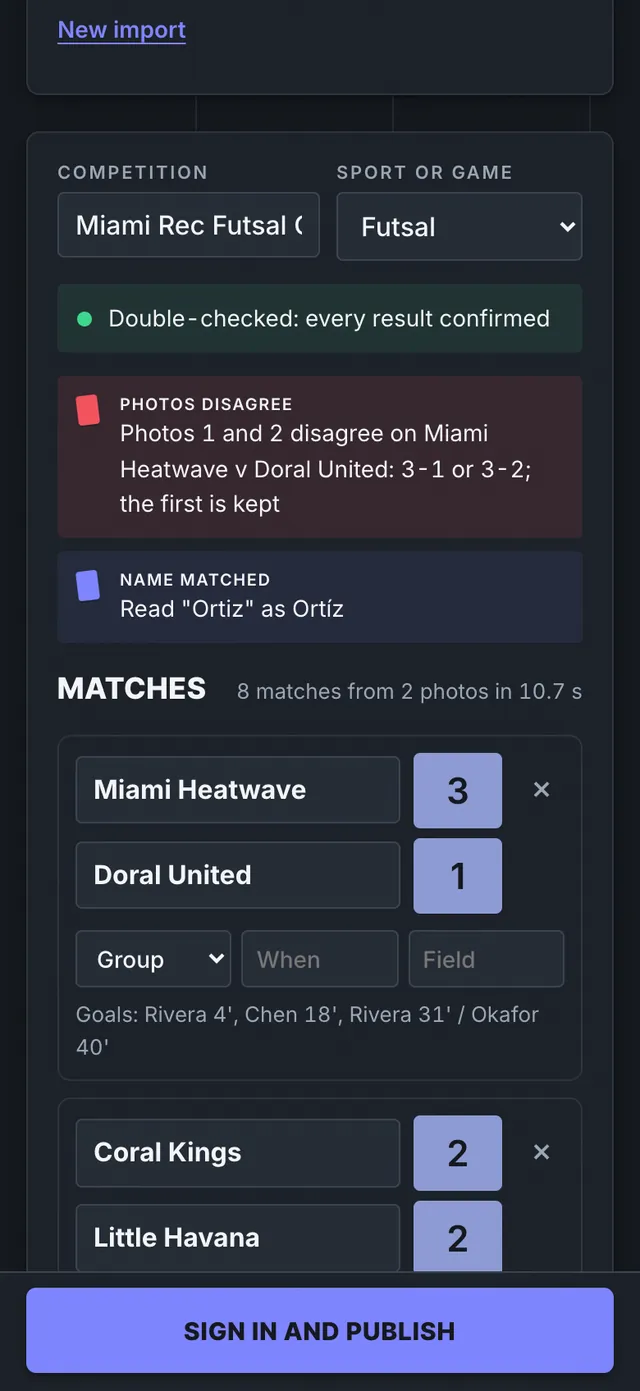
    Snap review on a phone: a red card saying photos 1 and 2 disagree on Miami Heatwave v Doral United, then the matches with scorersSnap review on a phone: a red card saying photos 1 and 2 disagree on Miami Heatwave v Doral United, then the matches with scorersSnap review on a phone: a red card saying photos 1 and 2 disagree on Miami Heatwave v Doral United, then the matches with scorers
  4. Step 4 · Publish

    Publish a live league

    Sign in with a free EasyChamp account and publish. The league gets its own site with results, group tables, fixtures and teams, in your account to keep updating.
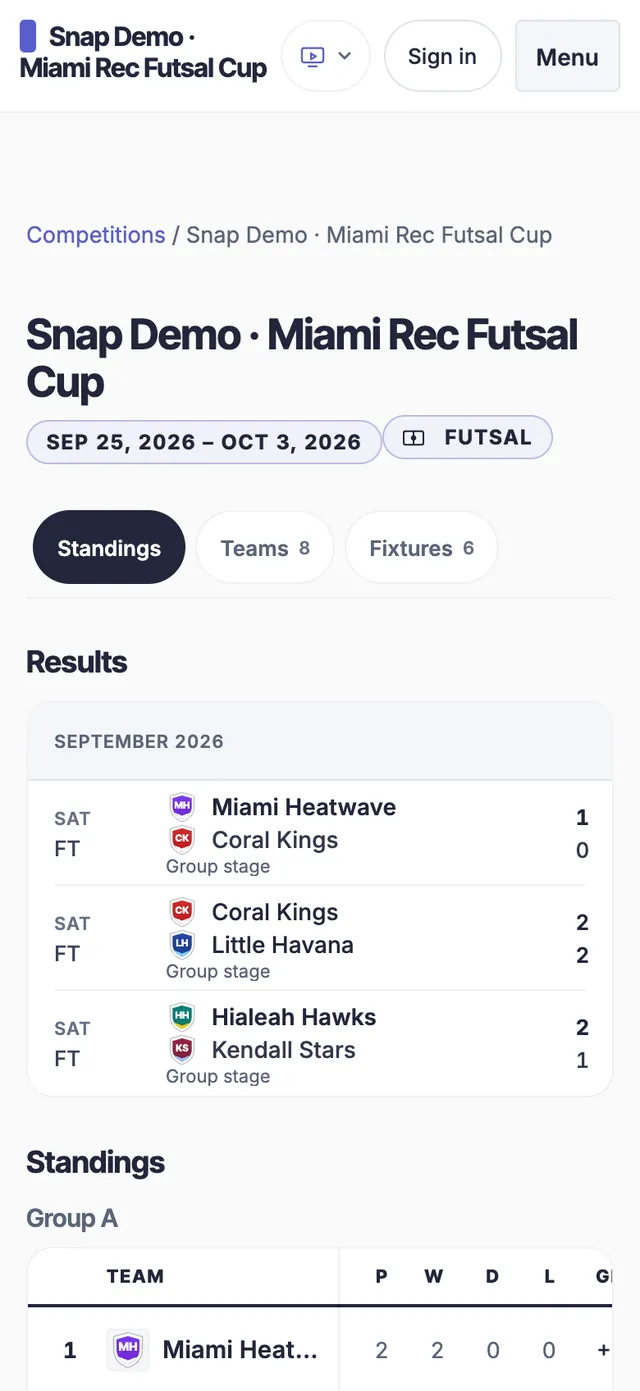
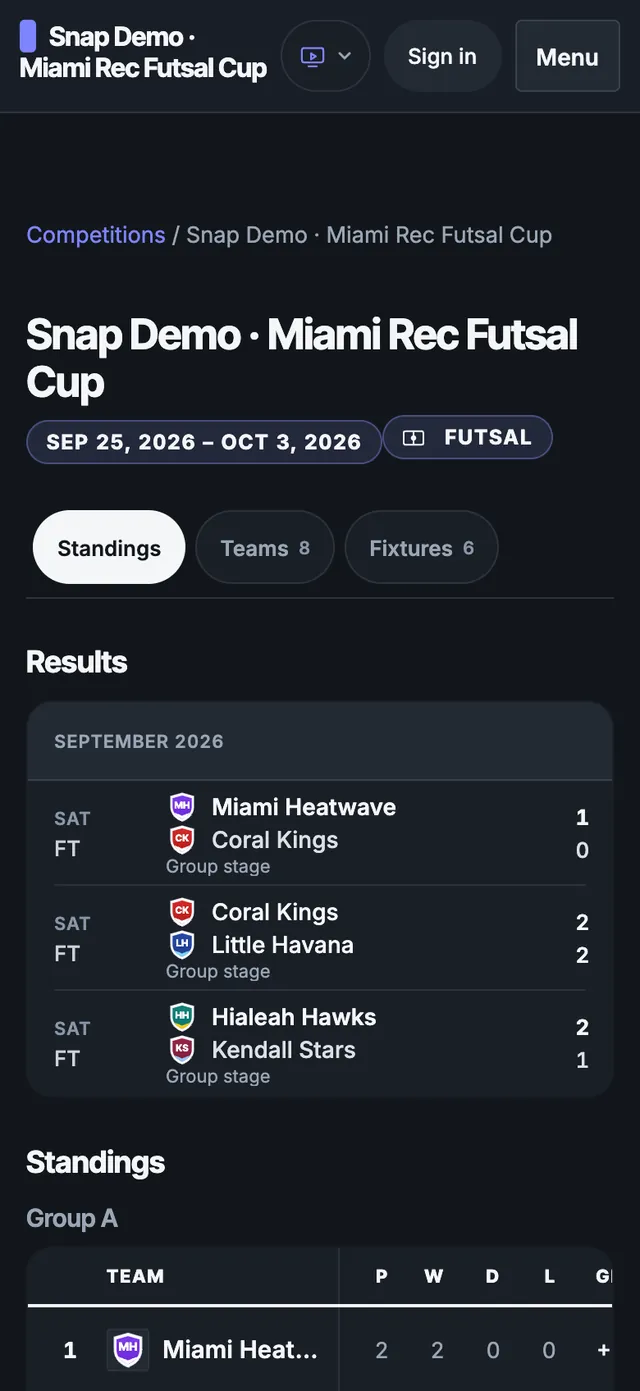
    The published EasyChamp league site on a phone: results and group standingsThe published EasyChamp league site on a phone: results and group standingsThe published EasyChamp league site on a phone: results and group standings
  5. Step 5 · Share

    Every goal on the match page

    Scorers and minutes from the board become match events, so players and parents can open any game and see who scored and when.
    EasyChamp match page on a phone: Miami Heatwave 3-1 Doral United with each goal and its minuteEasyChamp match page on a phone: Miami Heatwave 3-1 Doral United with each goal and its minuteEasyChamp match page on a phone: Miami Heatwave 3-1 Doral United with each goal and its minute

What it reads

Whatever the results were kept on

  • Whiteboard sample: Miami Rec Futsal Cup, Group A and Group B results with scorers

    Whiteboards

    The group table or results grid someone kept up to date by the pitch or the court.
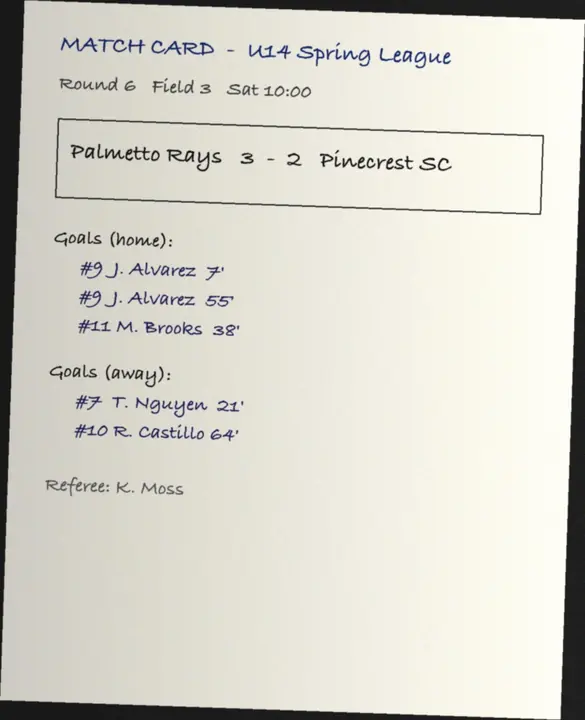
  • Match card sample: Palmetto Rays 3-2 Pinecrest SC with scorers and minutes

    Paper scoresheets

    Match sheets and score cards, handwritten or printed, one game or a whole round per page.
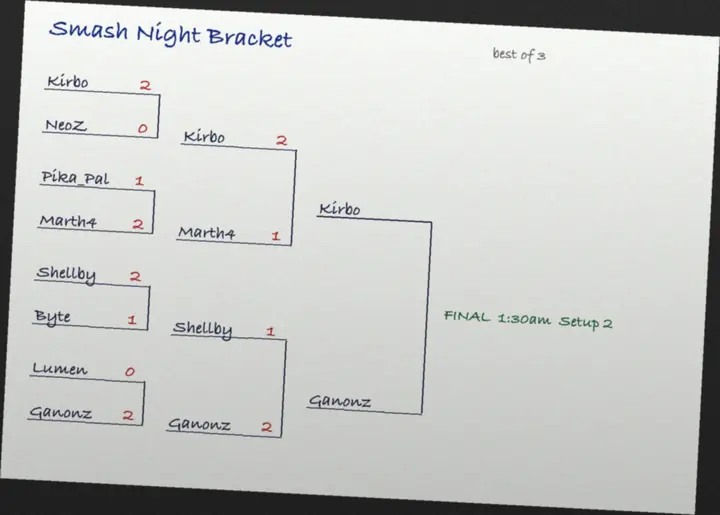
  • Hand-drawn knockout bracket sample with the winners written in

    Printed or drawn brackets

    A knockout tree on paper, printed or drawn by hand, with the winners written in.

    • Challonge
    • start.gg
    • Score7
    • LeagueRepublic

    Screenshots from other bracket apps

    Results and brackets from Challonge, start.gg, Score7, LeagueRepublic and similar apps.

Why free

Free to use

Snap to League is free to use. Your league lives on EasyChamp, where organizers can take registrations and payments when they are ready.

Questions

Snap to League: asked and answered

Is Snap to League free?
Yes. Reading your photos and publishing the league cost nothing. The league then lives on EasyChamp; anything you add later, such as registrations and payments, follows EasyChamp's normal plans and fees.
Which sports does it work for?
Every sport EasyChamp supports: soccer, futsal, basketball, ice hockey, volleyball, padel, pickleball, tennis, rugby and more, plus esports titles such as EA FC, Smash and CS2. Races, trivia and other placement contests get a shareable Snap board rather than an EasyChamp league.
Do I need an account?
Not to read photos: that works without an account, and you can try a sample first. Publishing a league needs a free EasyChamp account, so the league is yours to manage afterwards.
What if it misreads a result?
You review every team and score, and can fix any of them, before anything is published. The table is recomputed from the match results so anything that does not add up is flagged, and a second, independent reading flags the results it disagrees with, so the doubtful ones stand out.
What happens to my photos?
Photos are shrunk to reading size, read to extract the teams and scores, and kept with your import so you can come back to the review. A saved board is made to be shared, so upload only what you are happy for others to see. The EasyChamp privacy policy covers how your data is handled.

More on how data is handled in the privacy policy.

Snap to League: board photo to live league | EasyChamp