Steps
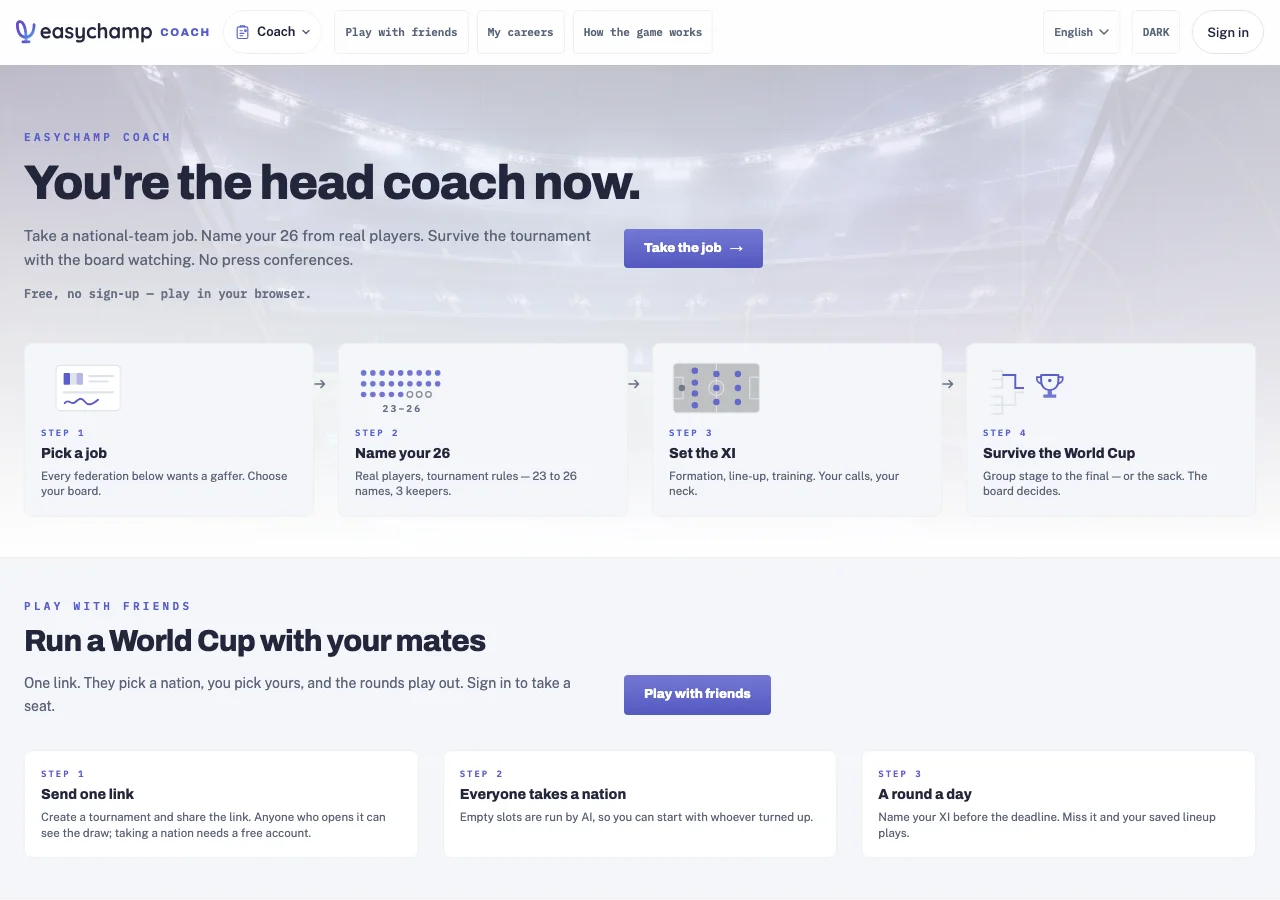
- Open EasyChamp Coach and choose Take the job for a national team.
- Select your squad using the on-screen squad rules, then set the starting XI and formation.
- Review the available training and tournament controls before playing the next match. Follow the career’s next action after each result.
- Guest careers stay on this device. Sign in and use the import option to move a guest career into your account. Open My careers with the same account when returning.
Coach is the manager game. For running a real team’s competition, registration or schedule, use the organizer console.
More Coach manager guides
How do I host a tournament with friends and manage it live?
Each friend claims a nation; you make substitutions and tactical changes during live games.What are Legends mode and the managers leaderboard?
Call up all-time greats, and compare your record with every other manager.In Coach manager, how do I train, rest and adjust my squad?
Review the simulated squad, balance training intensity and prepare your next match.