Steps
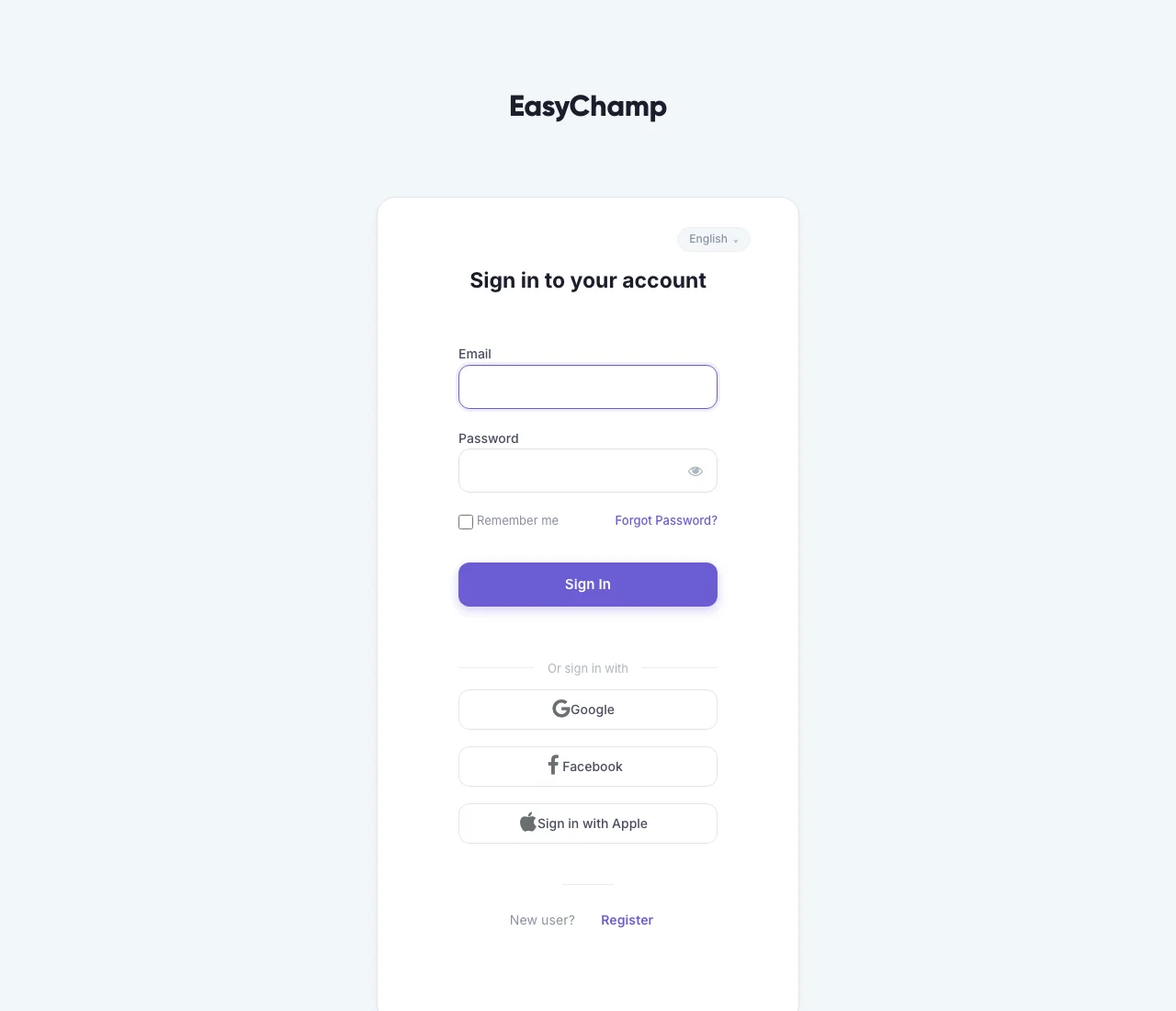
- Choose Create your EasyChamp account below to open registration. Complete the form, or use a sign-in provider offered there. From the sign-in screen, new users can choose Register.
- Finish any email verification requested, then return to EasyChamp. Open your dashboard to start a league or find an existing competition.
- On another phone or computer, choose Sign in and use the same email and sign-in method. Open My tournaments in the account menu for organizer work, or My careers in Coach for saved careers.
- If you followed an invitation, return to that original link after signing in. Your account needs the organizer or team permissions for private controls to appear.
Guest simulations and device-only saves are not a substitute for a signed-in account. Sign in before relying on a game being available on another device.