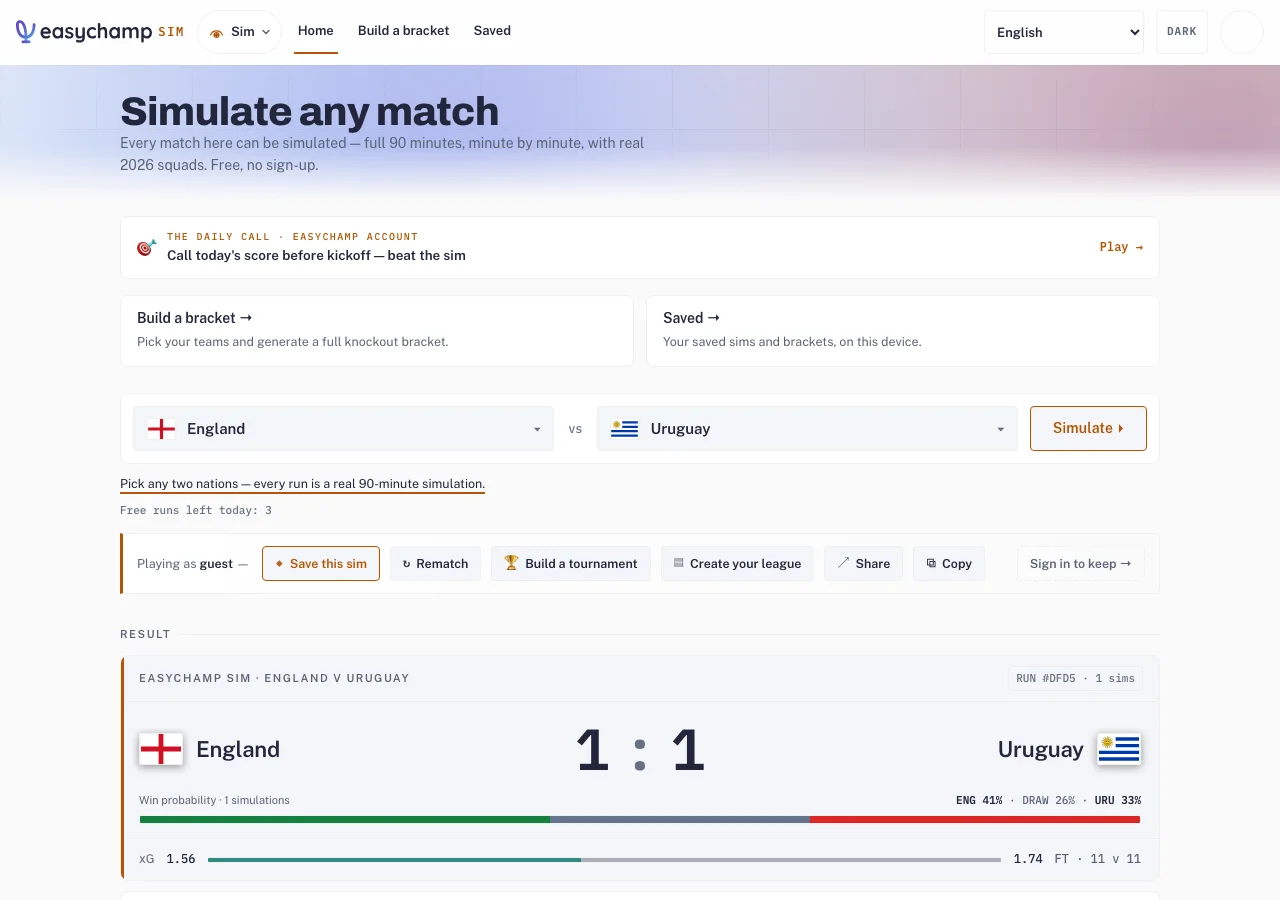
Steps
- For a quick match, open Sim, choose two nations and select Simulate. Review the result, then use Share or Copy to send its link.
- To manage nations against friends, open Coach and choose Play with friends. Sign in, choose the 48-team World Cup format (12 groups, then a round of 32) or another available format, and share its invitation link.
- Each friend opens the invitation, signs in, claims an available nation and marks Ready. Review the tournament’s participation and start rules before beginning.
- Set your lineup before the round deadline. Keep the tournament link and use the same EasyChamp account when returning on another device.
A shared Sim result and a Coach multiplayer tournament are different experiences. Choose Play with friends when each person wants to control a nation.