Steps
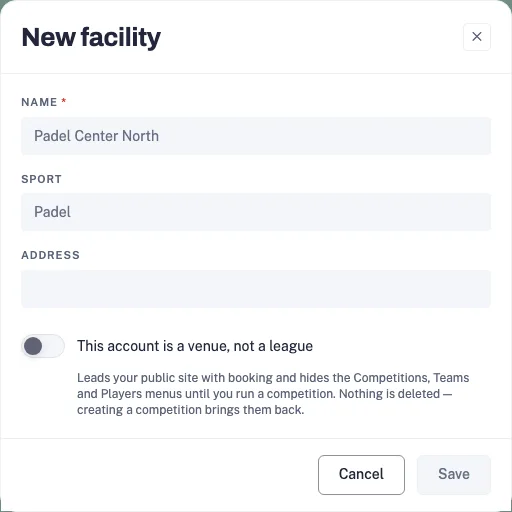
- In the console, open Facilities and create or select your venue. In Overview, check its timezone and currency before setting the schedule.
- Add the courts or fields in Courts and choose the sport for each space.
- In Open play schedule, add a weekly template with the day, time, court and capacity. Check Upcoming sessions or Calendar to verify the actual dates.
- Configure Payments for paid sessions. Use the publishing card to review the available trial or subscription, then publish when the venue is ready.
- Open the public booking page and check the session time, price and available places. Share that page, then monitor Upcoming sessions and attendees in the console.
Publishing and paid booking availability depend on the facility’s current trial, plan and payment setup. Check the live offer before subscribing.